BytConvert – Free Online File Converter
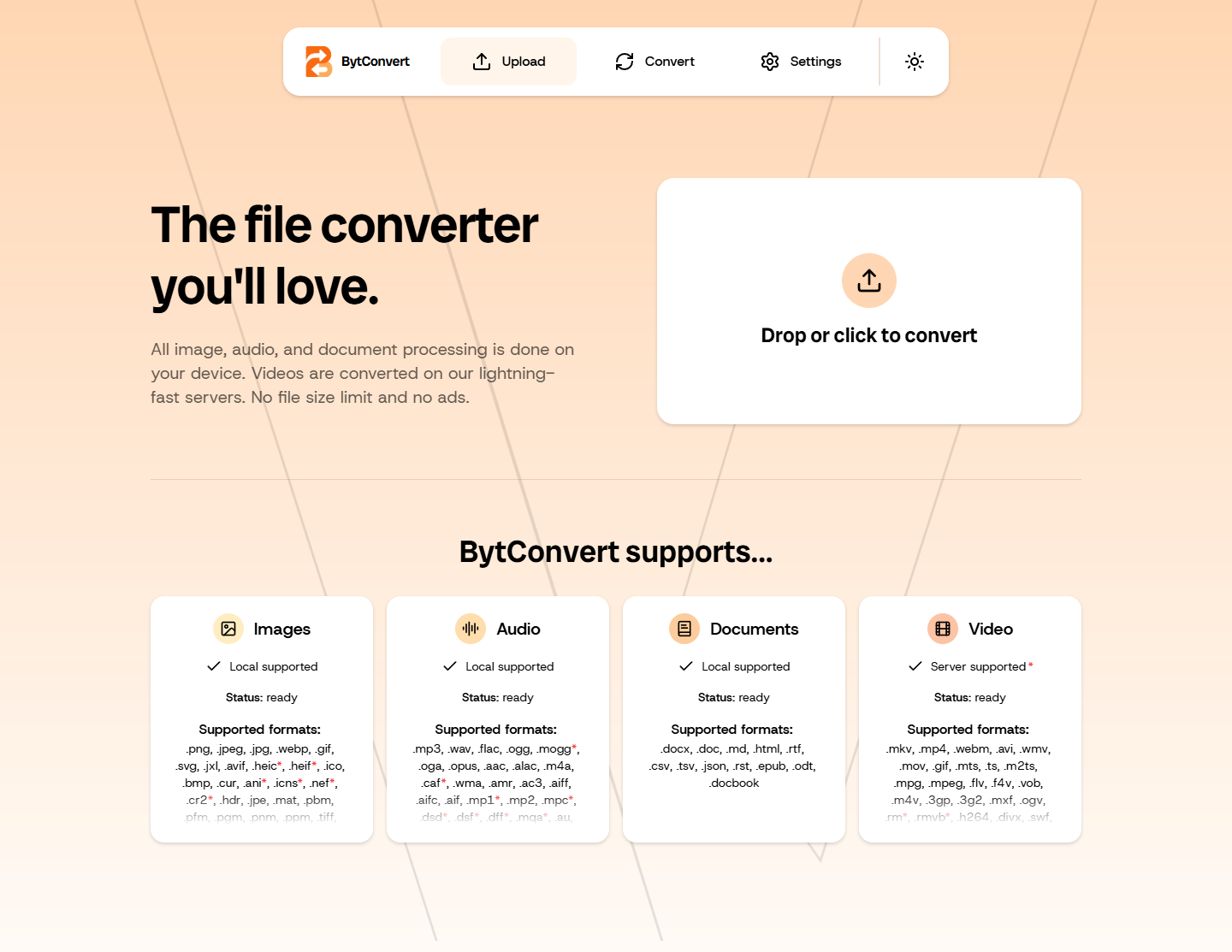
Convert images, audio, documents and video with BytConvert. Choose output formats, process multiple files and download results individually or as a ZIP.
WebFree
Opens BytConvert in a new tab. Its interface includes English, Simplified and Traditional Chinese, Spanish, French, German and other languages selectable in Settings.
BytConvertProduct preview
Key benefits
What can you do with it?
Audio format conversion
Document format conversion
Video format conversion
Multi-file conversion queue
Individual and ZIP downloads
What is this tool?
BytConvert is a browser-based file converter for images, audio, documents and video. Add several files, choose an output for each item or the whole queue, then convert and download from one workspace.
Change photos between PNG, JPEG, WebP or AVIF, prepare audio in MP3, WAV or FLAC, move documents between DOCX, Markdown, HTML and EPUB, or convert common video containers.
How to use BytConvert
Open BytConvert and drop or choose one or more files.
Choose an output format for each file or set one format for compatible items, then review conversion settings.
Convert the files and download each result or all completed files as a ZIP.
Processing and supported inputs
How it works
BytConvert uses WebAssembly versions of ImageMagick, FFmpeg and Pandoc for image, audio and document conversion in the browser. Video conversion uses a configured conversion server by default.
Formats & compatibility
Images include PNG, JPEG, WebP, GIF, SVG, AVIF and many specialist formats; audio includes MP3, WAV, FLAC, OGG, AAC and others; documents include DOCX, Markdown, HTML, RTF, CSV, EPUB and ODT; common video containers are supported. Some formats work only as input or output.
Privacy and file processing
Image, audio and document files are processed on your device. Video files are uploaded to a conversion server by default. The page also loads converter resources and may make service and anonymous analytics requests.
PrivacyFree · The service does not present a plan-based file-size quota, but browser memory, device capacity and converter limits still apply. Very large files may fail or have fewer conversion options.
Frequently Asked Questions
Are my files processed locally?
Image, audio and document files are processed on your device. Video files are uploaded to a conversion server by default. The page also loads converter resources and may make service and anonymous analytics requests.
Formats & compatibility
Images include PNG, JPEG, WebP, GIF, SVG, AVIF and many specialist formats; audio includes MP3, WAV, FLAC, OGG, AAC and others; documents include DOCX, Markdown, HTML, RTF, CSV, EPUB and ODT; common video containers are supported. Some formats work only as input or output.
Does BytConvert really have no file size limit?
The service does not present a plan-based file-size quota, but browser memory, device capacity and converter limits still apply. Very large files may fail or have fewer conversion options.
Is this tool free?
The current public tool is free to use, shows no ads and required no account in the tested conversion flow.
Continue to the tool
Open BytConvert to get started.