BytShrink – Online Image Compressor
Compress and resize photos with BytShrink. Adjust quality, choose JPEG, PNG or WebP output, and compare the original with the result before downloading.
WebFreeLocal
Opens the English tool in a new tab. Simplified Chinese is also available.
BytShrinkProduct preview
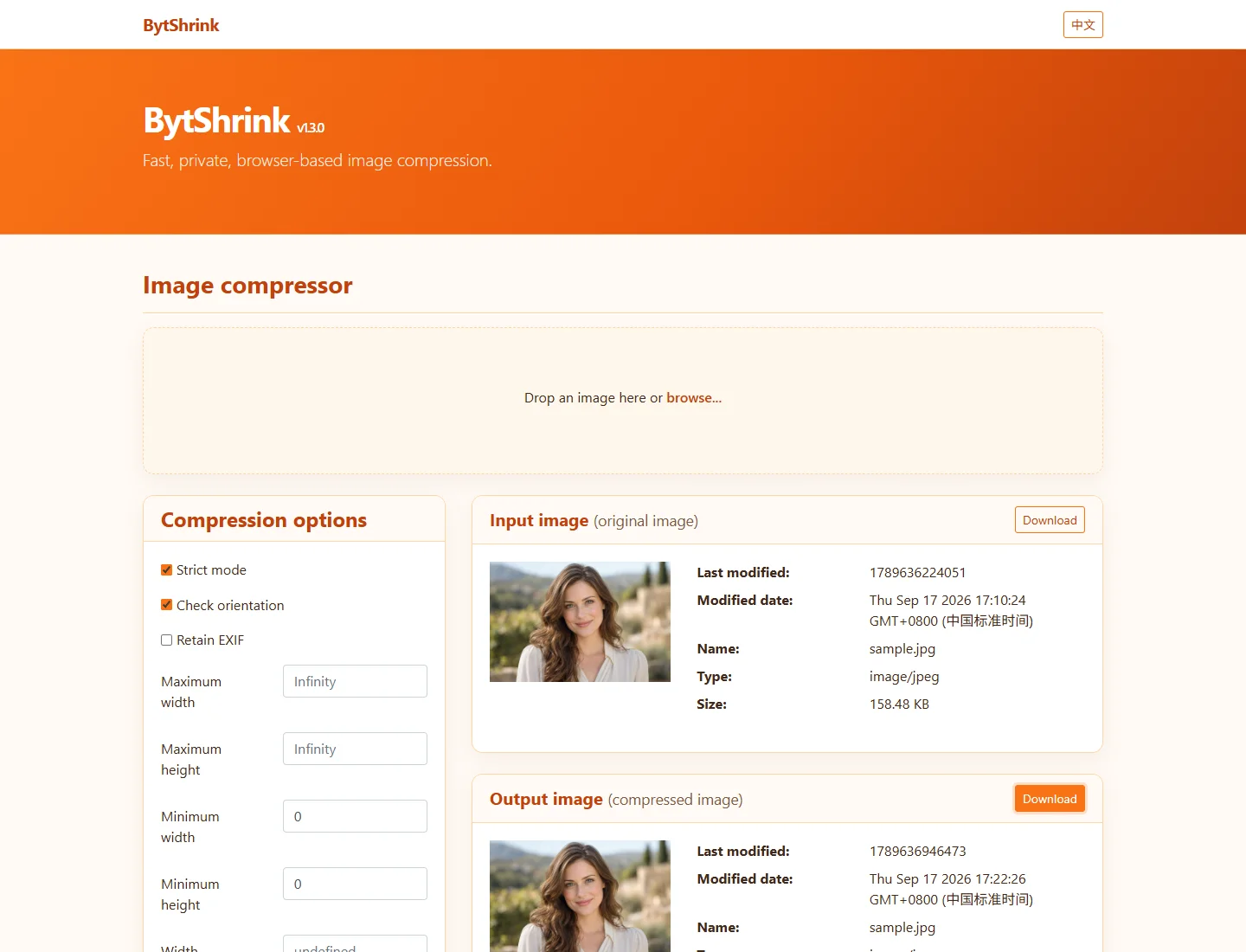
Key benefits
What can you do with it?
Width and height limits
Contain and cover resizing
JPEG, PNG and WebP output
Orientation and EXIF options
Before-and-after comparison
What is this tool?
BytShrink is a browser-based image compressor with controls for quality, dimensions and output format. Load one image, refine the settings and compare file sizes and visual detail in the same workspace.
Prepare product photographs, blog illustrations and social images. Set a maximum width for website uploads, or compare a JPEG with WebP before choosing a lighter version.
How to use BytShrink
Open BytShrink and drop or choose one image.
Adjust quality, dimensions and output format. Changes recompress the image.
Compare the previews and sizes, then download the output image.
Processing and supported inputs
How it works
The browser redraws the image on a canvas and encodes the result. Quality affects JPEG and WebP, not PNG. Converting a transparent image to JPEG removes transparency.
Formats & compatibility
JPEG, PNG and WebP still images; output depends on browser encoding support. Process one image at a time. Large images are limited by device memory and canvas size.
Privacy and file processing
The inspected compression flow processes images in the browser; no image upload request was observed. The page still loads scripts and other resources from the network.
PrivacyFree · JPEG, PNG and WebP still images; output depends on browser encoding support. Process one image at a time. Large images are limited by device memory and canvas size.
Frequently Asked Questions
Will every image become smaller?
No. Results depend on the image, format and settings. Strict mode may return the original when compression increases file size, but format, dimension and EXIF changes have exceptions. Review the output and keep the original.
Formats & compatibility
JPEG, PNG and WebP still images; output depends on browser encoding support. Process one image at a time. Large images are limited by device memory and canvas size.
Does this page upload or process my files?
The inspected compression flow processes images in the browser; no image upload request was observed. The page still loads scripts and other resources from the network.
Is this tool free?
The current public tool is free to use and the tested compression flow requires no account.
Continue to the tool
Open BytShrink to get started.