Online Image EditorBytCanvas
Crop, resize, rotate, add text and apply filters with BytCanvas in your browser.
Web
Opens BytCanvas in English in a new tab. The editor also supports Simplified Chinese.
Online Image EditorProduct preview
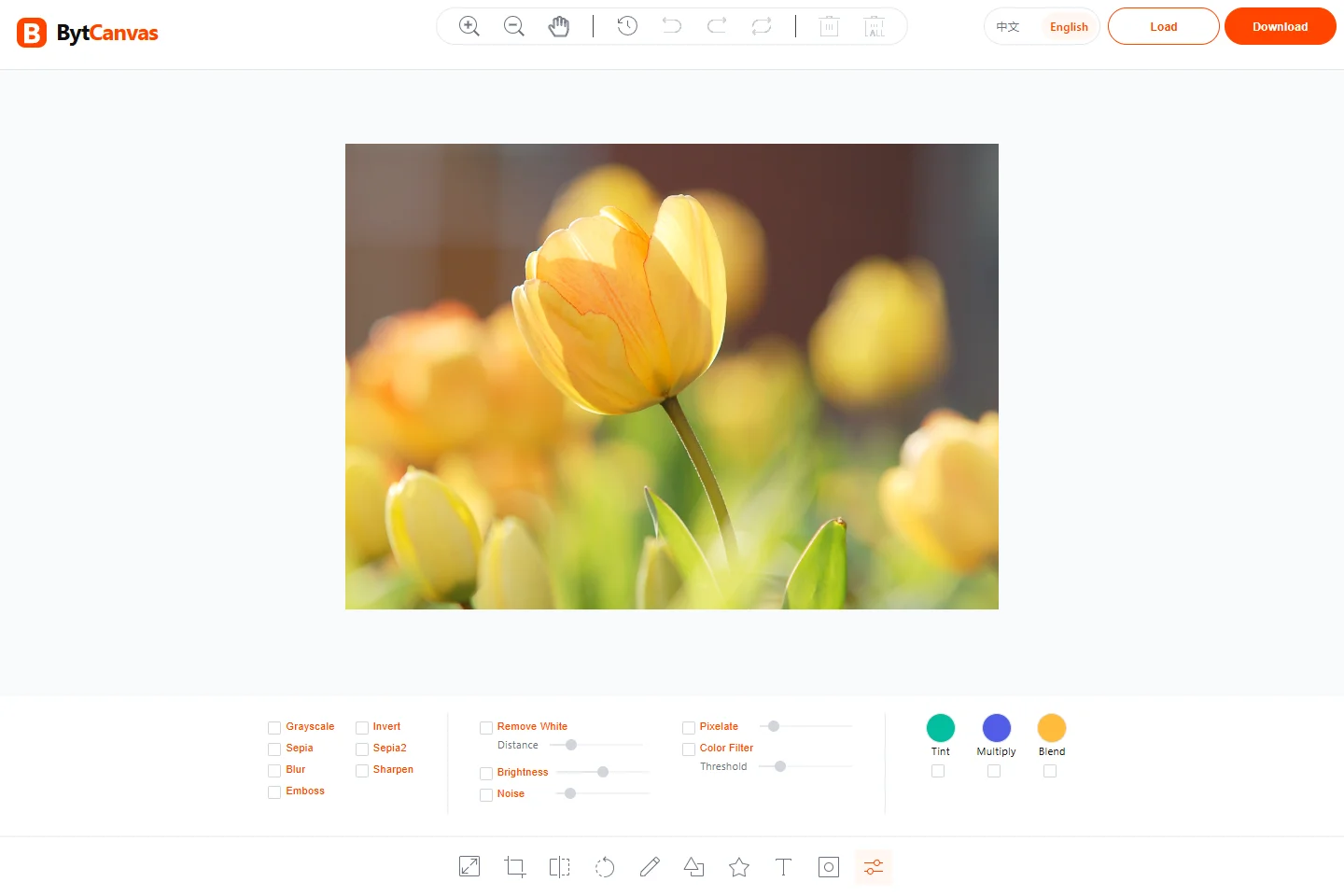
Key benefits
What can you do with it?
Rotate and flip
Add text
Draw and annotate
Shapes and icons
Photo filters
What is this tool?
BytCanvas brings everyday image editing into one browser workspace. Reframe a photo, add a caption or annotate a screenshot, then download the result for your website or next post.
Prepare product photos, blog illustrations and social posts. Add captions to a campaign image or use shapes and drawing to explain a detail in a screenshot.
How to use BytCanvas
Open BytCanvas and load your image.
Choose an editing tool and adjust the result on the canvas.
Review the image and download a copy. Keep your original.
Processing and supported inputs
How it works
Work on the image in the editor canvas. You can combine text, shapes and filters, then undo or redo changes while refining the result.
Formats & compatibility
Choose a still image that your browser can open. Check the editor’s available export options before downloading; very large images depend on your device’s memory.
Privacy and file processing
This is a product introduction page and does not accept or process tool input. The independent tool may process data locally or on a server. Review its processing and privacy notice before selecting files or entering sensitive data; its behavior has not been verified here.
PrivacyPricing and file limits have not been verified. Check the independent tool before use.
Frequently Asked Questions
Will editing change the image quality?
Resizing and filters can change image detail. Enlarging a small photo cannot recover missing detail. Check the downloaded result at its intended display size and keep the original.
Formats & compatibility
Choose a still image that your browser can open. Check the editor’s available export options before downloading; very large images depend on your device’s memory.
Does this page upload or process my files?
No. This is a public introduction page with a read-only preview. The independent tool has its own processing and privacy policy; local-only processing has not been verified here.
Is this tool free?
Pricing has not been verified. Review the independent tool’s current plans and limits before use.
Continue to the tool
Open Online Image Editor to get started.